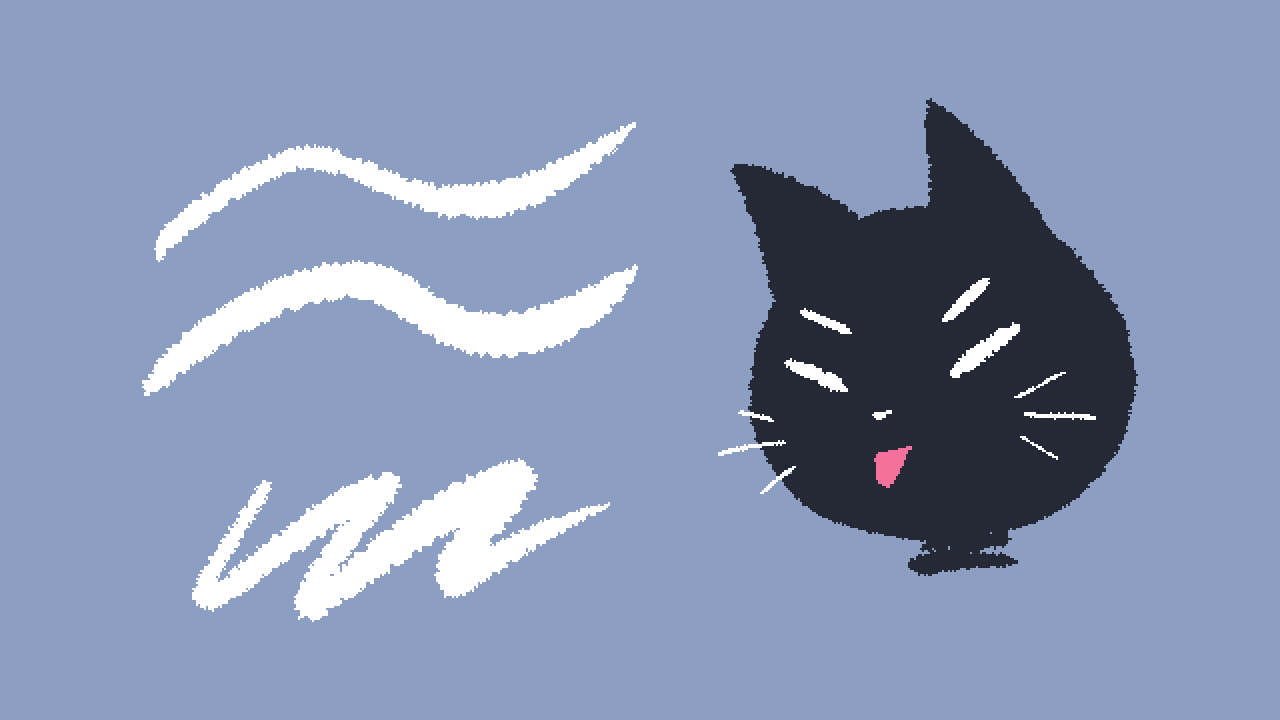
The kind of an aesthetic that the standard Ink Bleed brush has, but slightly less allergic to Paint Bucket.
A little context
While trying to make a digital version of a highlighter pen in Procreate, I noticed a certain detail: if you have a pill-like brush shape and set up each point to draw with a random angle, you get this sort of a peculiar, wobbly brush stroke:
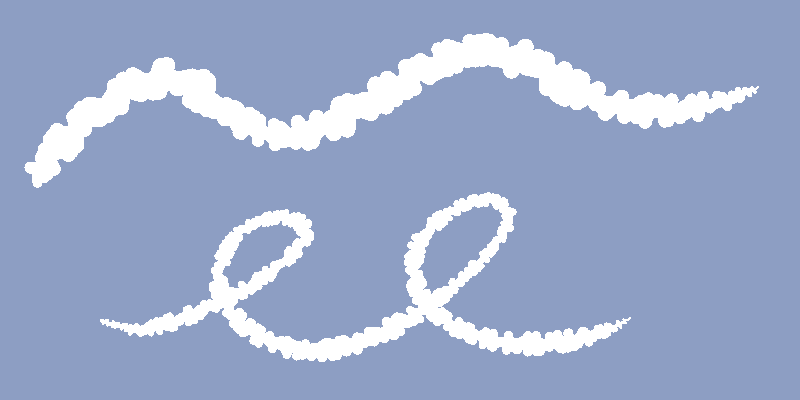
Spacing 20% with Spacing Jitter 10%
And that could be useful for something, but if you pick a pointier shape (like a diamond here), you get a kind of a brush stroke that's "fuzzy" but still largely unbroken (and thus works well with selection/fill).
Making a brush
Start with an aliased brush (see previous mini-guide);
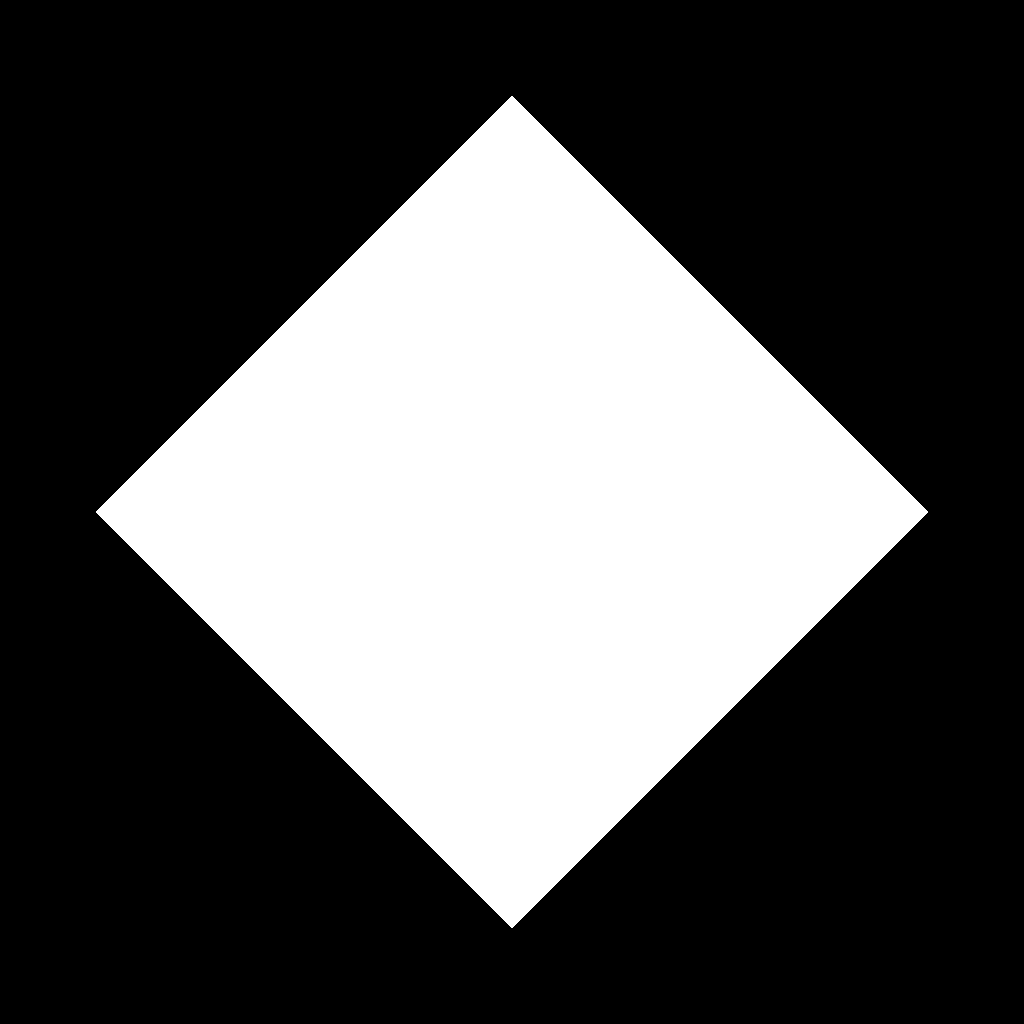
Change its shape to a diamond (square rotated 45 degrees). This is mine:
Assign it on the Shape tab of the Brush Studio:
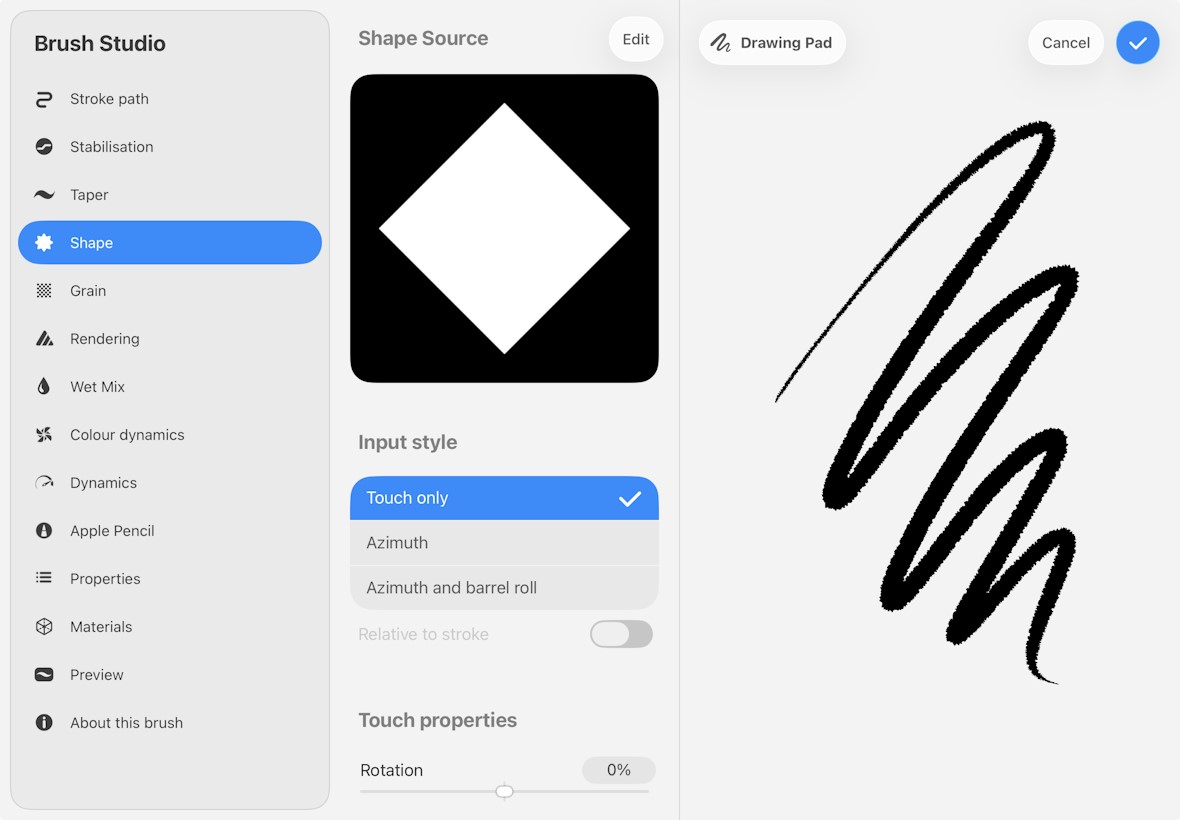
Then, drag Scatter and Pressure Roundness under Shape Properties to Max:
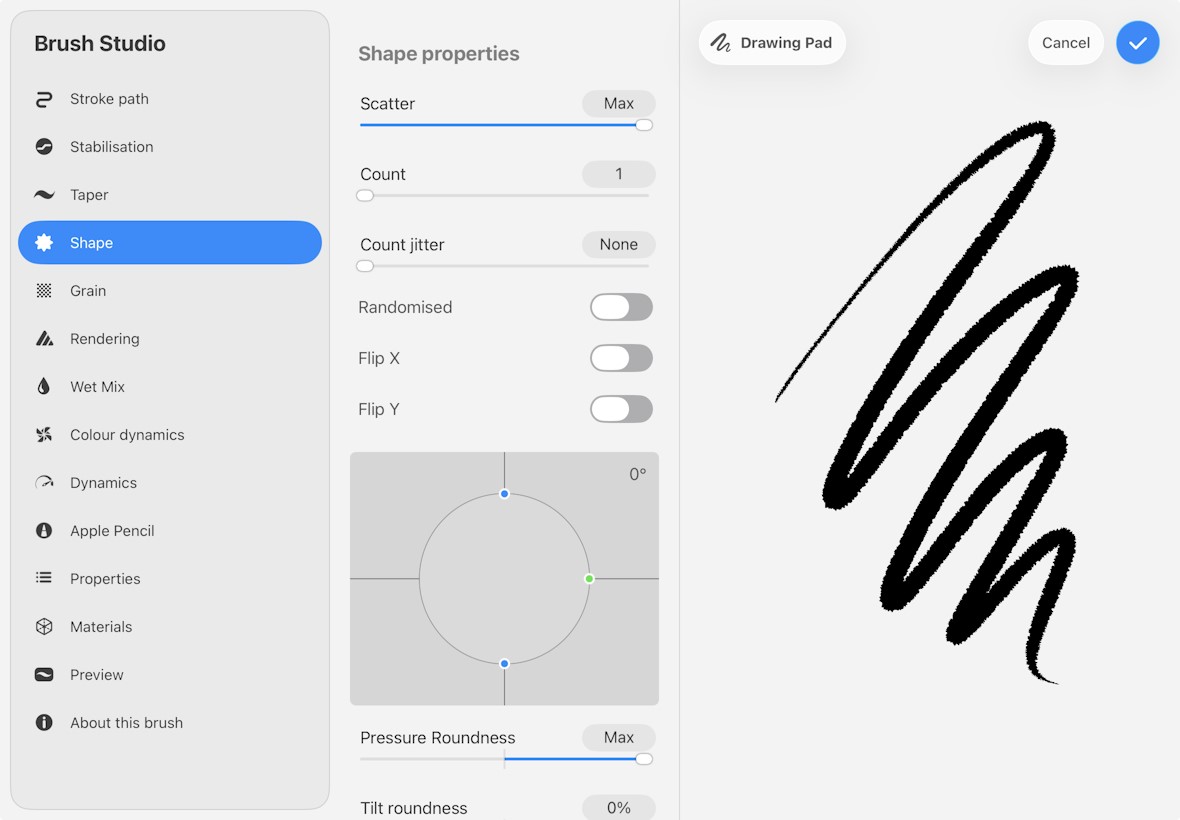
And that's all!
Or you can download mine, which is an edit of Studio Pen: